How to Log in to Genie
Enter Your MID Number
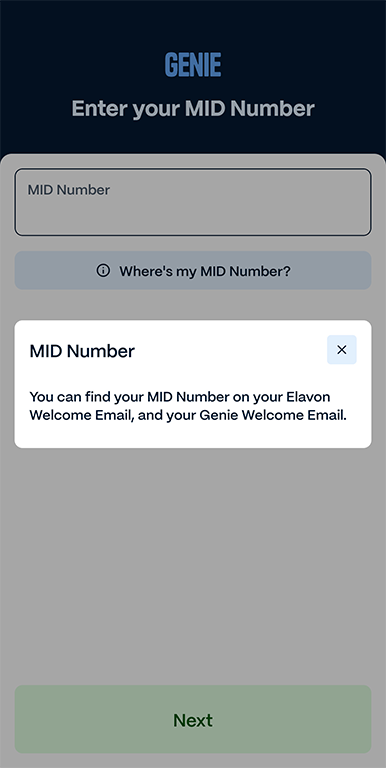
Above is the screen you will see when you first open Genie.
To begin the Login Process, enter your Merchant ID (MID) Number, which can be found either on your Elavon Welcome Email, and your Genie Welcome Email.
Enter Your Merchant Email Address & Password
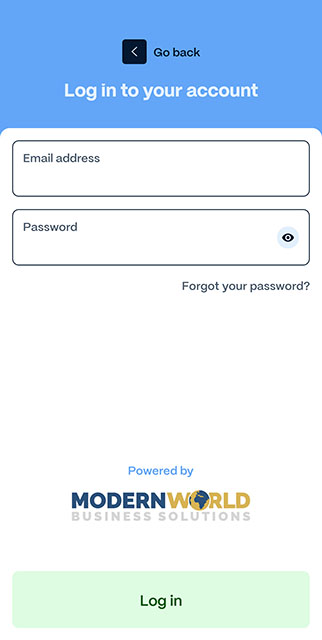
Above is the next page you will see.
Enter your email address (the one your Elavon and Genie welcome emails were sent to), and the Password you set in the Genie welcome email.
(If you didn't set a password yet, the password will be your MID Number).